
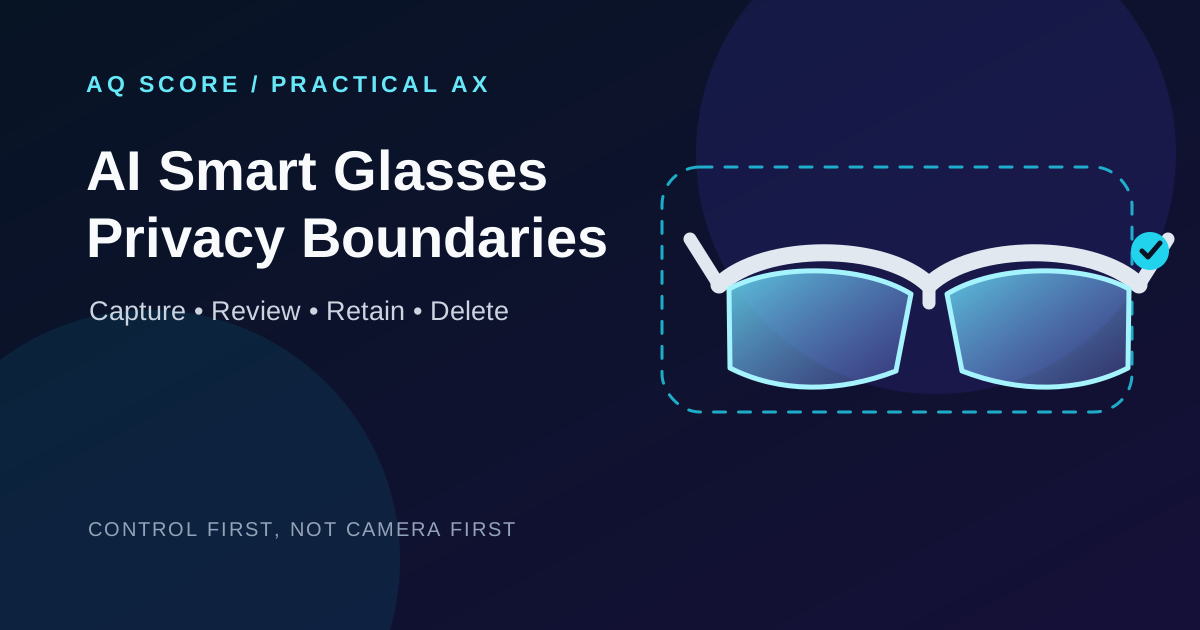
AI Smart Glasses at Work: A Privacy Boundary Playbook for Capture, Review, and Deletion
Run a controlled smart-glasses pilot by defining capture, notice, processing, review, retention, and deletion boundaries before you scale access.
Problem: A smart-glasses pilot can turn a normal conversation, screen, or customer visit into a data-collection event. Teams often evaluate camera quality first and discover too late that their real design work is consent, access, retention, and incident recovery.
Recommendation: pilot one approved workflow before broad access
Use AI smart glasses first for a narrow, low-sensitivity workflow with a named owner and a deletion path. Do not begin with customer-facing, clinical, legal, HR, or confidential engineering work unless the team can explain what is captured, where it goes, who can retrieve it, and how a participant can object.
What changes when glasses add AI
A wearable combines at least four data surfaces: camera capture, microphone capture, display or screen recording, and AI requests. Each surface can have a different trigger, recipient, and retention rule. Treating them as one generic “recording” setting leaves gaps.
1. Capture boundary
Write down the exact event that starts capture. A button press, voice command, automatic context detection, and a background service are materially different controls. The safest pilot uses an explicit user action and keeps automatic triggers off.
2. Notice boundary
Wearer notice is not enough. Bystanders need a recognizable signal and a practical way to avoid capture. An LED can help, but it is not a complete consent process in a noisy room or a video call. Add an operational rule: pause or remove the device when a participant objects.
3. Processing boundary
Separate local device handling from cloud processing. The product team should document which requests leave the device, which provider receives them, and whether administrators can inspect related logs. Meta’s supplemental privacy policy and AI Glasses help materials are useful product-specific starting points, but they are not a substitute for your organization’s data map.
4. Retention and access boundary
Every stored clip, transcript, display recording, prompt, and AI response needs an owner, a retention period, and an access group. “We can delete it if needed” is not a control until the team can show the request path and verify the result.
A control-first system design
| Layer | Decision to make | Evidence to retain |
|---|---|---|
| Capture | Which locations and tasks are allowed? | Approved use-case register |
| Notice | How are wearers and bystanders informed? | Signage and training record |
| Processing | Which data can reach an AI service? | Data-flow diagram and vendor terms |
| Review | When must a human approve an output? | Review queue and decision log |
| Retention | How long is each artifact kept? | Deletion schedule and test record |
This design is deliberately less exciting than a feature list. It creates a boundary that operations can test. The same pattern is useful in an AI document-review workflow: capture is an input event, review is explicit, and recovery does not depend on someone remembering what happened.
Step-by-step: run a two-week pilot
- Choose one workflow. Example: a facilities technician records an equipment walkthrough after obtaining site approval. Exclude customer areas and conversations.
- Build a data map. List device, companion app, AI service, storage location, admin console, and export destination. For each arrow, name the data and the purpose.
- Set policy defaults. Disable automatic capture, shared accounts, and exports that lack an owner. Set a short pilot retention period that your policy permits.
- Add a human checkpoint. AI output may draft a maintenance note, but a technician validates it before it becomes a work order. This follows the same control pattern as a controlled RPA-to-agent migration.
- Test deletion and loss. Create a non-sensitive test recording, delete it through the documented path, and record the confirmation. Then test the lost-device and mistaken-capture playbooks.
- Review evidence weekly. Count approved sessions, exceptions, deletion requests, and unresolved incidents. Do not use the pilot to infer productivity claims that the evidence cannot support.
Design trade-offs
| Choice | What it improves | What it costs |
|---|---|---|
| Explicit capture only | Predictability and consent | Less spontaneous documentation |
| Short retention | Exposure reduction | Less material for later review |
| Human approval before action | Output accountability | Slower end-to-end workflow |
| Local-only pilot where available | Smaller transfer boundary | Fewer AI features and harder support |
For sensitive work, the right alternative may be no wearable capture at all. A fixed, approved camera or a standard mobile workflow can be easier to signal, secure, and audit. Do not claim that an LED or a vendor privacy page makes a deployment compliant; legal requirements depend on location, purpose, and the data involved.
Failure patterns and recovery
A bystander was captured unexpectedly
Stop further use, preserve only the minimum evidence needed to investigate, follow the organization’s incident process, and use the documented deletion route. Fix the location rule or notice process before resuming.
An AI summary is treated as the source record
Keep the original approved record and label the summary as derived output. For media integrity, use the evidence-handling approach in the image provenance workflow; a downstream signal should not replace the original context.
A shared account hides accountability
Stop the pilot until each device and export can be tied to an accountable user or team. Shared access turns a recoverable exception into an untraceable one.
A deletion request has no completion evidence
Do not close the request on a verbal confirmation. Record the artifact identifier, the system used, completion time, and any systems that cannot support deletion.
Cost and operating conditions
Budget for more than hardware. The operating cost is policy review, training, device administration, access review, incident handling, and periodic deletion tests. A small pilot is justified when its workflow has a specific documentation gap. It is not justified when the proposed value is vague convenience.
Limits and further study
This guide does not provide legal advice or certify a product. It does not assume that a particular device processes data locally or that all AI features are available in every region. Before deployment, review the current product documentation, contractual terms, local privacy law, workplace rules, and accessibility needs.
- Meta supplemental privacy policy — reviewed 21 August 2026.
- Meta AI Glasses Help: recording a display — reviewed 21 August 2026.
- NIST Privacy Framework — use it to structure organizational privacy risk decisions.
Implementation checklist
- One approved workflow, location, owner, and stop condition are documented.
- Capture, audio, display recording, AI requests, and exports appear on one data map.
- Bystander notice and objection handling are tested in the actual location.
- Accounts, device inventory, and export access are individually attributable.
- Retention, deletion, lost-device, and mistaken-capture procedures have an owner.
- A human approves any output that becomes an operational record or action.
- The team has tested deletion with a non-sensitive artifact and recorded the evidence.
Definition of done: the pilot owner can show, for one real workflow, the capture trigger, every data destination, the human decision point, and a verified deletion path.
Frequently asked questions
Is a recording LED enough for consent?
No. It is a useful signal, but teams also need location rules, clear behavior when someone objects, and controls for audio, display capture, and AI processing.
Should we ban smart glasses in every sensitive setting?
Not automatically. Start by identifying the purpose and risk. Where clear notice, minimization, and recovery cannot be operated reliably, do not run the wearable workflow there.
Can we use AI summaries instead of retaining recordings?
Only if the approved workflow and retention rules allow it. A summary is derived material and can omit context; it needs a human review boundary when it affects a record or decision.
PUT THE IDEA TO WORK
Practical AI tools
Turn a technical decision into a transparent estimate, capacity plan, or evaluation check. No signup required; your inputs stay in your browser.
Explore the free tools →Share this article
Related articles
OpenAI Codex Labs Commentary: Criteria that must be established before companies can run AI coding agents as operating systems rather than pilots
OpenAI's launch of Codex Labs is a more important signal than the launch of a smarter coding model. The competition is now shifting from model performance to how companies deploy AI-coded agents as standard operating systems.

Huawei LogicFolding·Kirin 2026 Commentary: Why semiconductor competition must look at circuit placement and power verification boundaries before process nodes
Huawei released data on Kirin 2026's integration and power efficiency improvement in the same manufacturing process. This issue is explained not as a debate over EUV replacement, but as a verification issue for optimization of the same process.
NVIDIA SpatialClaw Commentary: Why spatial inference AI should design code execution interfaces and intermediate verification loops before model retraining
We explain NVIDIA SpatialClaw from the perspective of designing spatial inference agents for robots, autonomous driving, and AR, rather than simply presenting research. We summarized the code-based behavioral interface, five-step execution loop, benchmark figures, adoption conditions and limitations.
Take the AQ test
See your AI capability in three minutes. Assess recognition, utilization, verification, integration, and ethics at once, then receive practical insights.
Start the free AQ test